Last week I wrote about the new Claude Projects. New projects get it from the start. Existing projects get upgraded, and this week the upgrade reached my account.
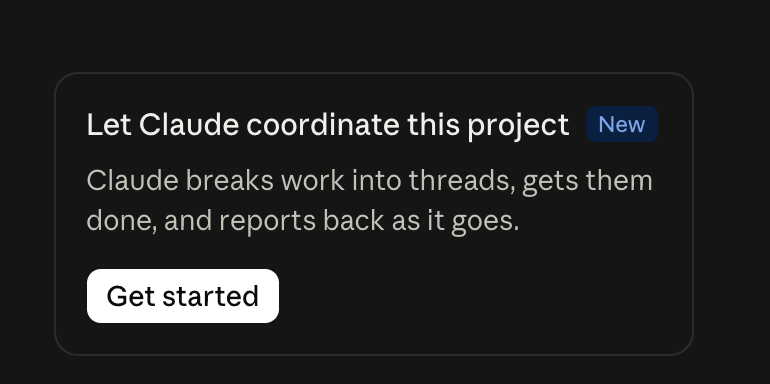
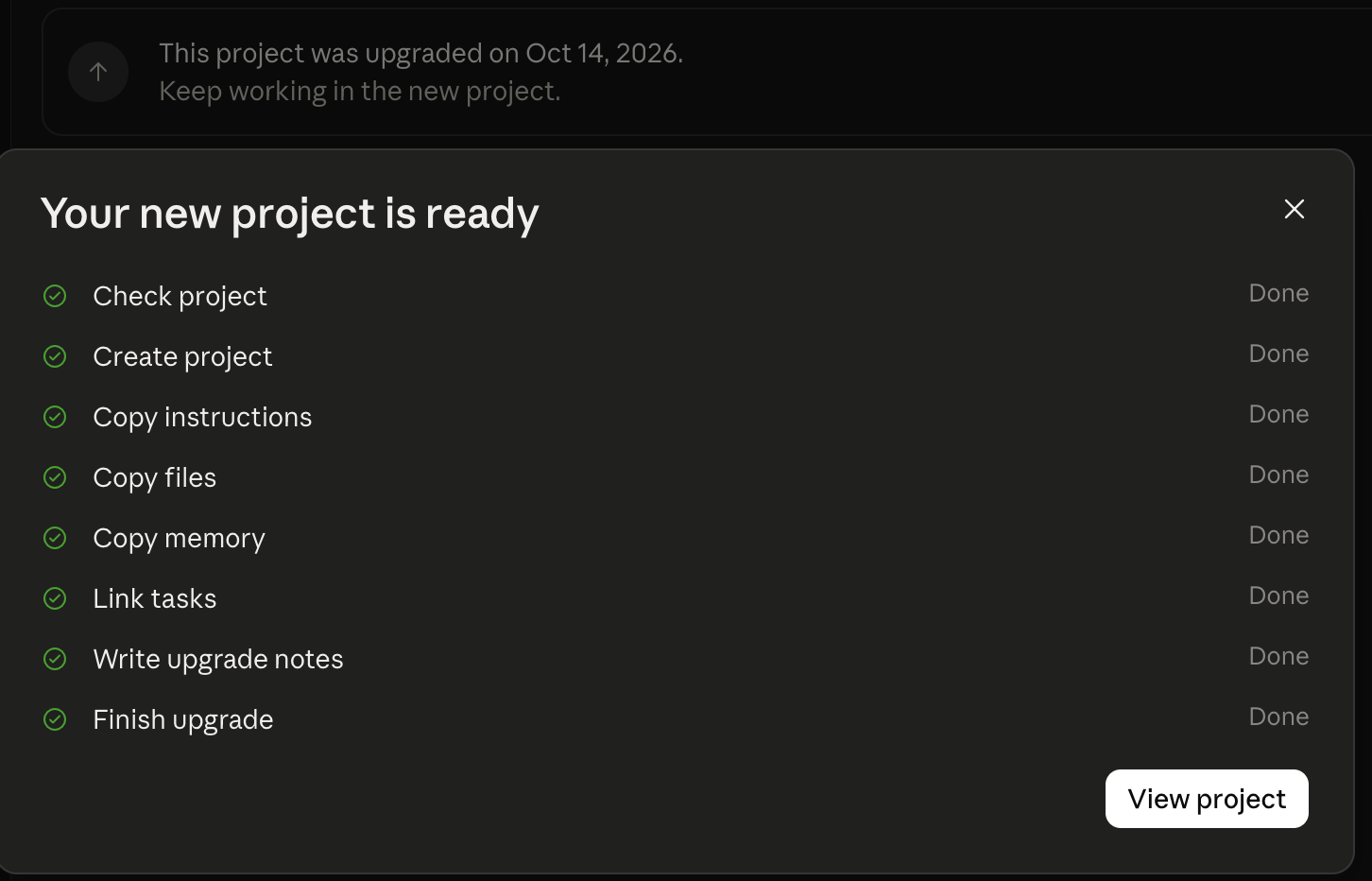
It's easy. Open your project and look for a card that says "Let Claude coordinate this project." Click Get started, then Upgrade project. Claude moves your files and instructions into a new project. Your old project stays, archived, in case you need it.
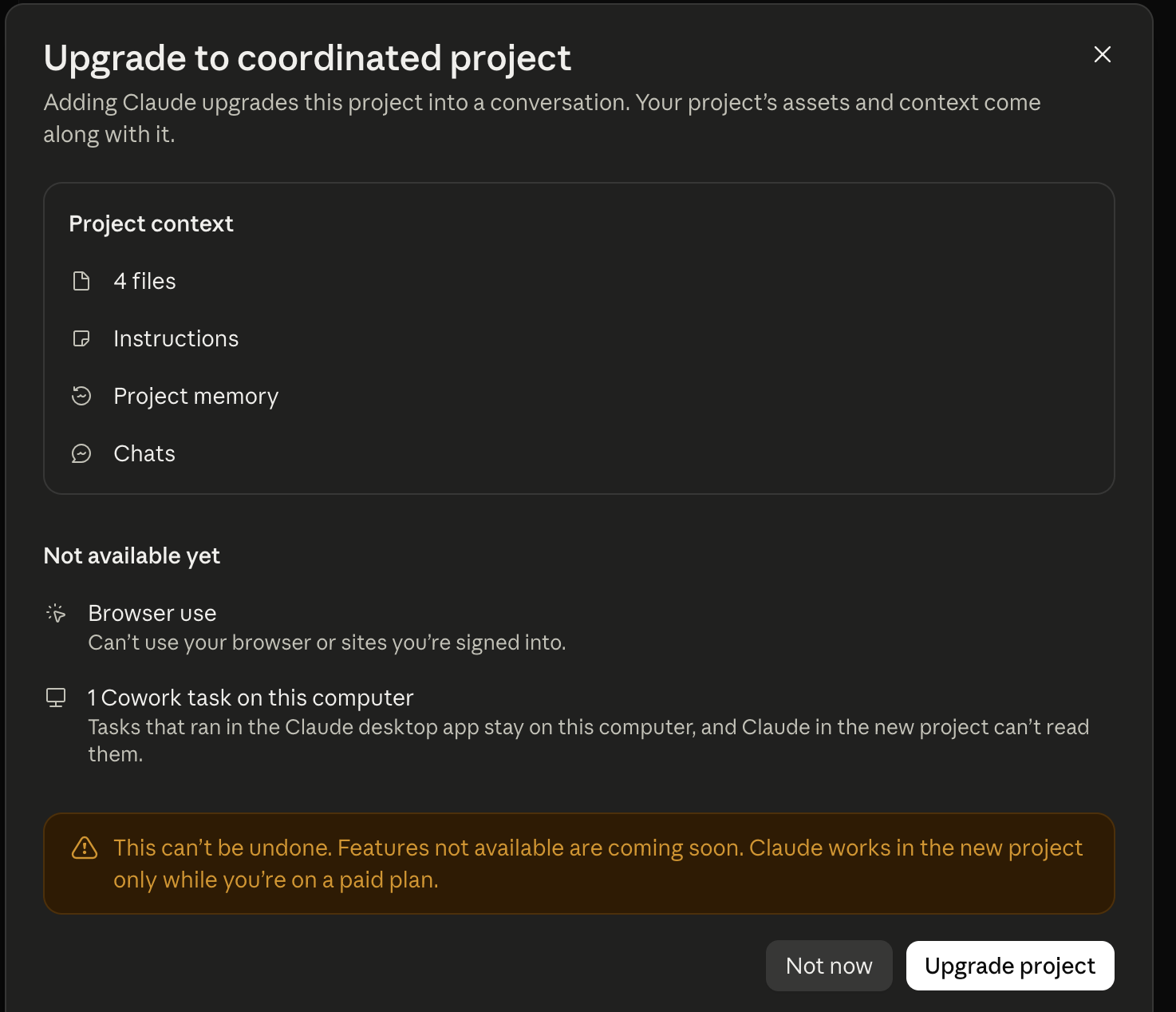
Two things worth knowing. The upgrade can't be undone, so keep copies of your files on your computer first. And the new project works only on a paid plan.
If your project used a folder on your computer, add those files to the new project too.
If your project instructions lived in a file on your computer, add that file to the new project and ask Claude to set it up as your project instructions. It will show you its plan before it saves anything.
Own the Playbook? The current files are written for the new version. Email me at alva@getseenplaybook.com and I'll send you the steps.
Not seeing the new version yet? Keep using your project as it is. Your files work as written.
Alva
Get new recruiting tips by email.
One short email when a new tip goes up. No spam.
Sources: my own upgrades, 10/14/2026. Background: What are projects? (Claude Help Center).